Clean up every inbox in one place
See which senders fill your Gmail, Yahoo and iCloud inboxes, unsubscribe from newsletters and clear thousands of emails in a click. Everything runs on your computer — your email never leaves it.
macOS · Windows · Linux · v1.3.0 · 27 downloads
Thousands of emails, gone in one click
Newsletters and promotions pile up for years. MailClean shows which senders they come from and clears all of them at once. Try it here.
- 0
- mail providers
- 0
- servers that see your email
- 0%
- runs on your computer
- 0 days
- to undo any clean-up
- SShopKart Deals1,240junk
- DDaily Tech Digest980junk
- PPriya Sharma214
- FFoodDash860junk
- NNorthwind Bank156
- QQ&A Weekly1,105junk
Try it: clear 4 newsletter senders in one click.
Everything you need to tame your inbox
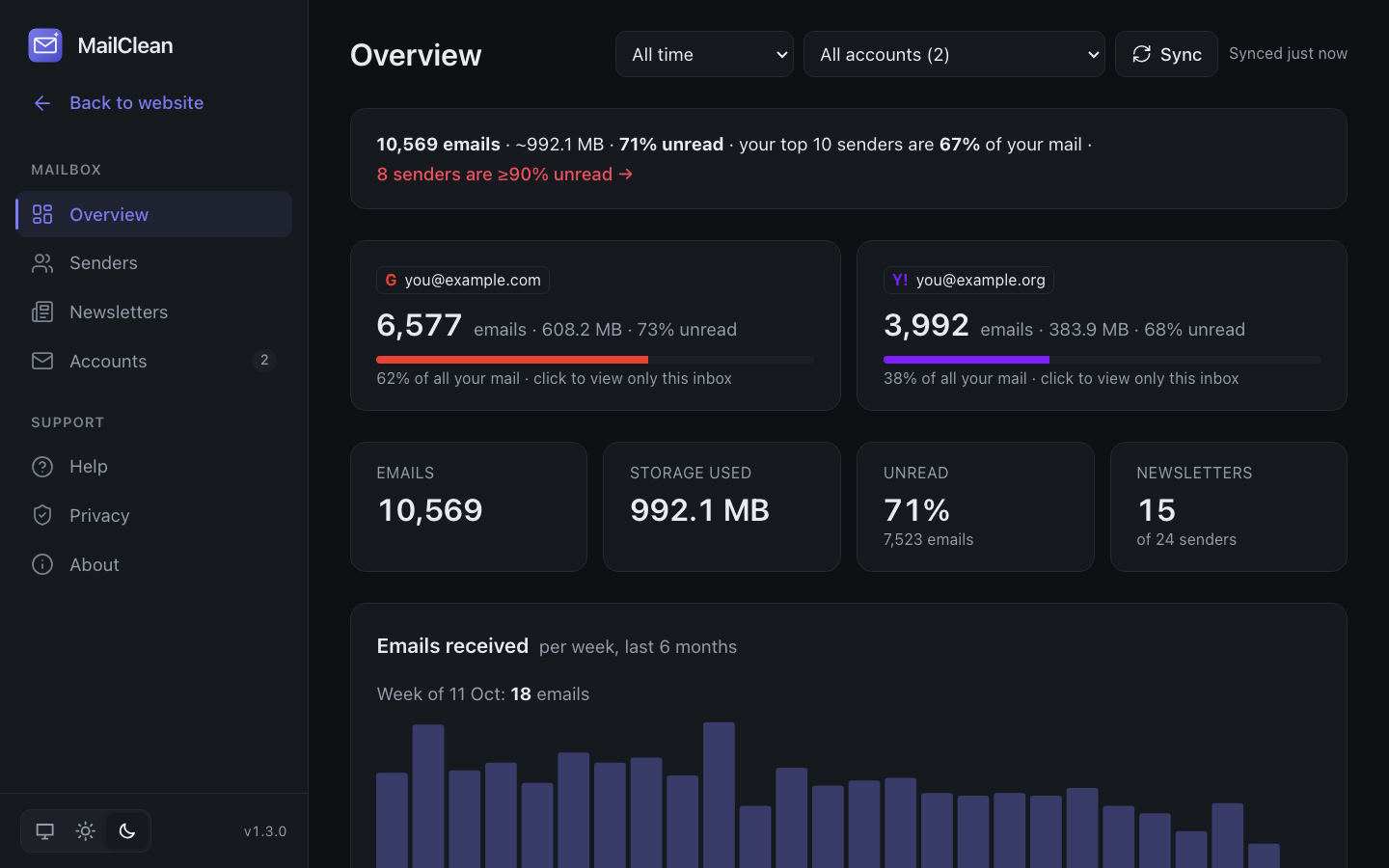
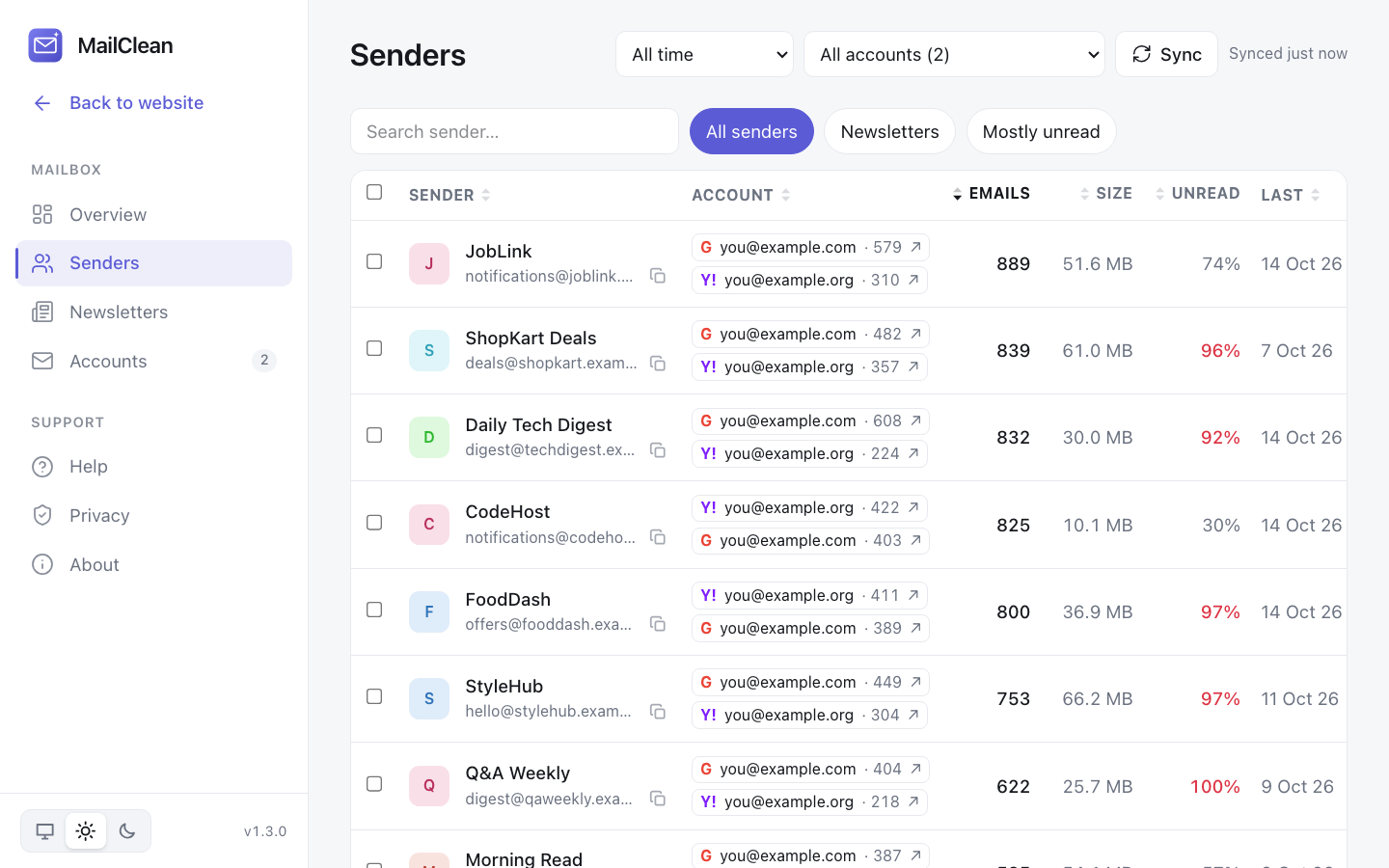
See who fills your inbox
Every sender ranked by number of emails, storage used and how much you never open.
Clean up in one click
Select senders and move thousands of emails to Trash or Archive at once. Nothing is permanently deleted.
Unsubscribe instantly
One-click unsubscribe where the sender supports it, or straight to their unsubscribe page.
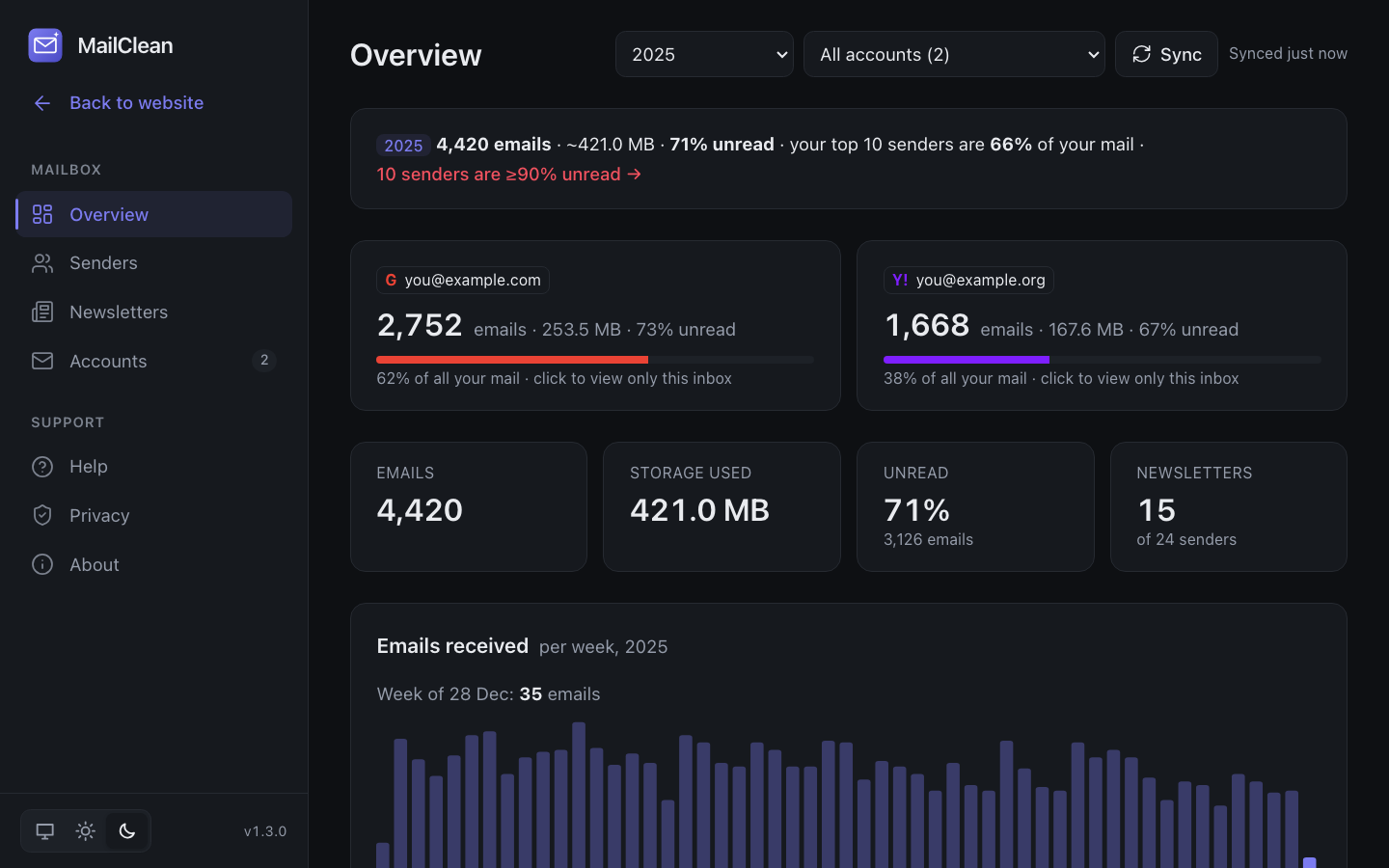
Filter by date
Look at a whole year, the last 30 days, or any start and end date — and clean only that period.
All your accounts together
Gmail, Yahoo, iCloud, AOL, Zoho and any IMAP mailbox in one dashboard, with per-account labels.
Private by design
Runs on your computer. Only sender, date and size are read — never subjects or message content.
See it in action
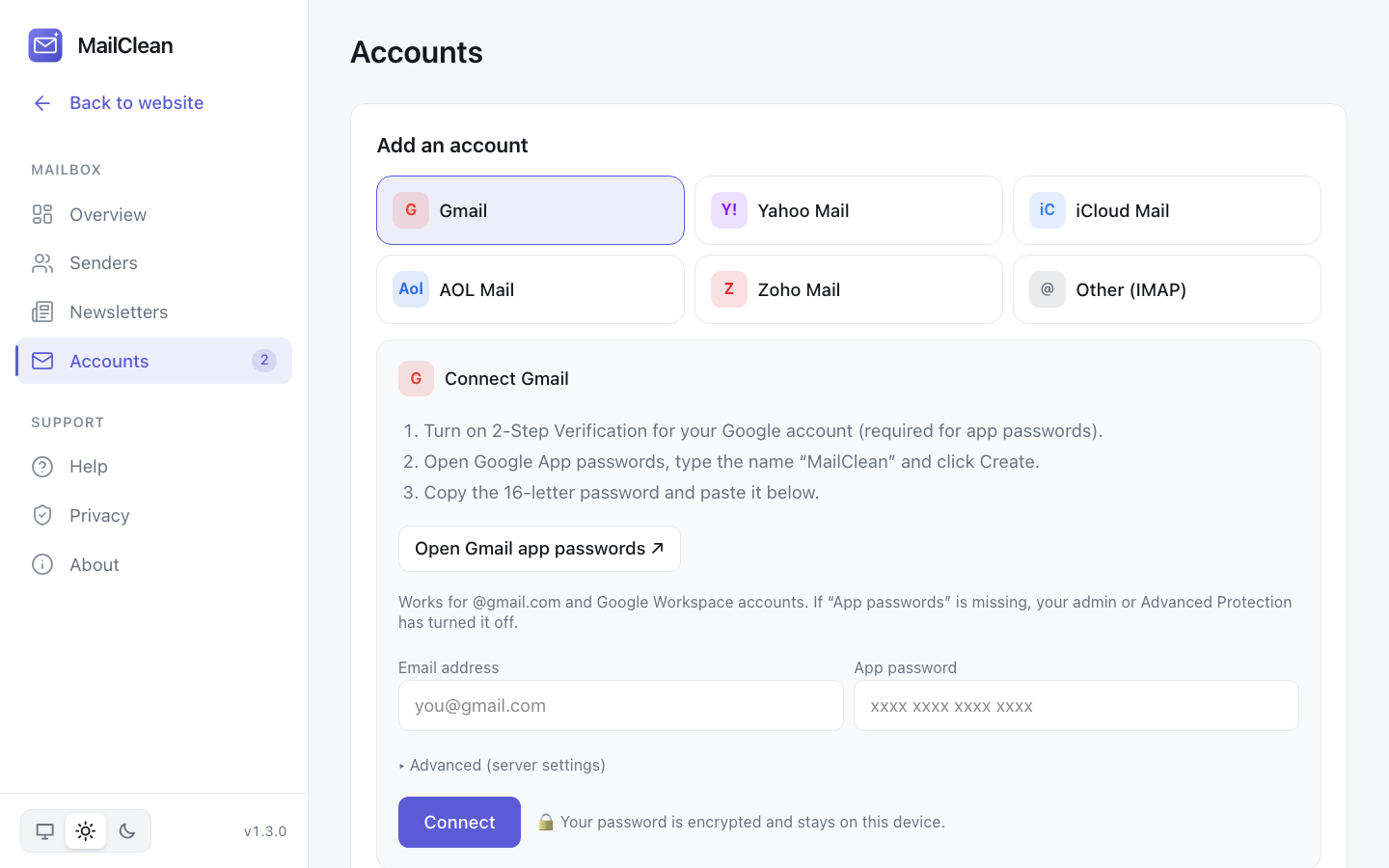
Light and dark mode, on every platform. Shown with sample data.
Up and running in two minutes
- 1
Download MailClean
Install the free app for macOS, Windows or Linux.
- 2
Create an app password
MailClean shows the exact steps for Gmail, Yahoo, iCloud and others.
- 3
Clean up
See your biggest senders, unsubscribe and clear thousands of emails at once.
Your email stays yours
Most inbox cleaners run on someone else's server and read your mail to do it. MailClean is different: it runs entirely on your computer and talks directly to your email provider.
- ✓ No MailClean server, account or tracking
- ✓ Reads only sender, date and size — never subjects or content
- ✓ Passwords encrypted on your device (AES-256-GCM)
- ✓ Nothing permanently deleted — Trash keeps mail for ~30 days
- ✓ Open source: anyone can check the code
Download MailClean
Free for everyone · version 1.3.0
The web demo runs in your browser with sample data — no download, no sign-in.
Open the web demo →First launch: macOS — right-click MailClean → Open. Windows — More info → Run anyway. Linux — make the AppImage executable. All releases
Open source
MailClean is MIT-licensed. Read the code, report issues, suggest features or contribute on GitHub.
FAQs
›Is MailClean free?
Yes. It is free and open source under the MIT license. There are no accounts, subscriptions or limits.
›Does MailClean read my emails?
No. It reads only each email's sender, date, size, read status and the sender's unsubscribe link. Subjects, message text and attachments are never downloaded, and nothing is sent to any MailClean server — there isn't one.
›Why an app password instead of “Sign in with Google”?
An app password lets the app on your own computer talk directly to your mail server, with no third-party service in between. You can revoke it any time in your Google, Yahoo or Apple account settings.
›Does this website track me?
Only if you accept cookies: the website then uses Google Analytics to count visits and download clicks. The MailClean app itself has no analytics or tracking of any kind.
›Can I undo a clean-up?
Yes. Trash moves emails to your provider's Trash folder, where they stay for about 30 days. Archive just removes them from the inbox.
›Why do macOS or Windows warn me when I open it?
The current builds are not yet code-signed. On macOS right-click the app and choose Open the first time; on Windows click More info → Run anyway.
›Does it work with Outlook or Hotmail?
Not yet. Microsoft no longer allows app passwords for Outlook.com, so it needs Microsoft sign-in, which is in progress.